Okta secure devices Videos on IAMSE.blog
Introduction
Remote and hybrid work is here to stay, so are all your devices secured?
In recent weeks and months, I’ve written various blogs on the topic endpoint integration and security.
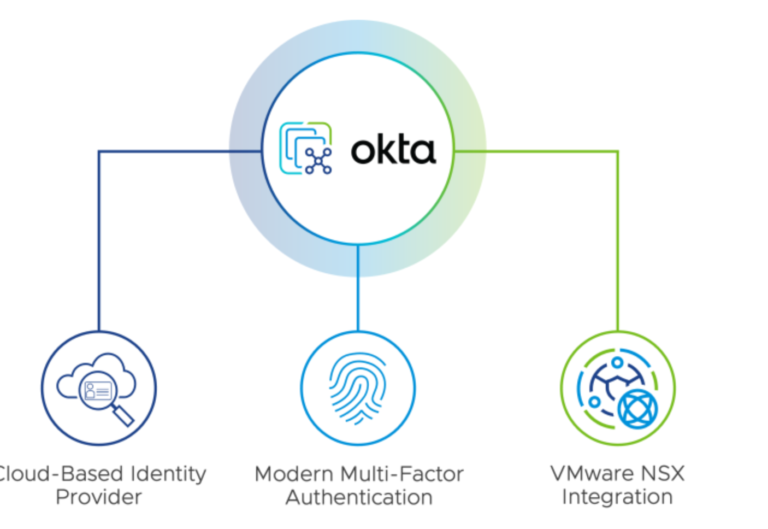
In this blog post, I would like to briefly demonstrate once again with some demos how Okta can help with this from enrollment to logging on to the device and accessing the applications.
So I hope you enjoy the demos!
Streamlined Device Enrollment and Workspace ONE login for endpoints using Okta
In the first demo we will se a streamlined Device Enrollment with Okta and Workspace ONE.
After the brand new macOS device boots up the very first time, Zero-Touch Enrollment automatically enrolls it into Workspace ONE UEM (MDM).
Enrollment customization asks to provide Okta Credentials, then a local account is being created completing the device setup.
Okta Device Access Password Sync and application onboarding
Workspace ONE UEM installs Okta Verify and also configures Device Access Profiles.
The next demo will show, how new hires can set up their new macOS with
Desktop Password Sync for macOS as part of the inline setup process if they have an
Okta password.
Sign in to your macOS account with your Okta password by syncing passwords, means
no need to remember a separate password for you macOS device.
We provide a balance between security and convenience by signing users up for
Okta FastPass.
Okta Device Access Desktop MFA
The next dome covers, how Okta can extend seamless MFA to the 1st vulnerable touchpoint – the desktop login.
We drive stronger authentication at first login and meet compliance requirements.
Enforcing MFA to login to your managed endpoints and protect your machine, if stolen and any data or applications that are stored locally on it.
Last but not least we are enabling both online and offline MFA scenarios, for a heterogeneous mix of devices.
Secure login with Okta
Secure login not only to the device itself, but also to the Okta Dashboard and the applications.
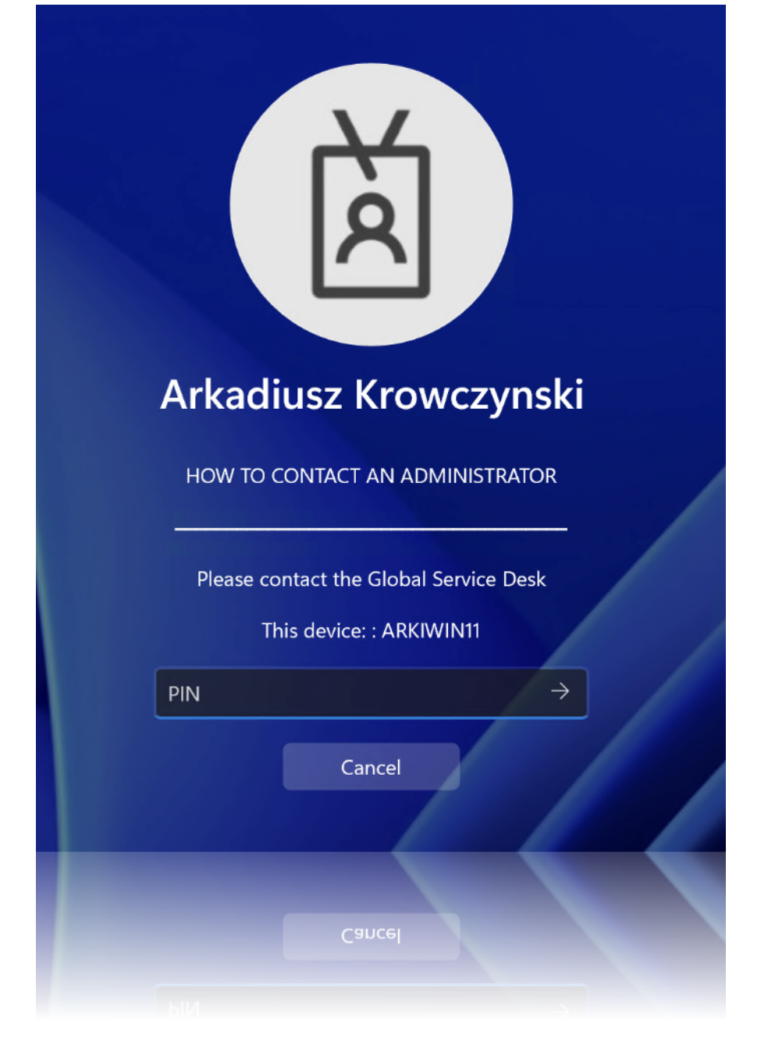
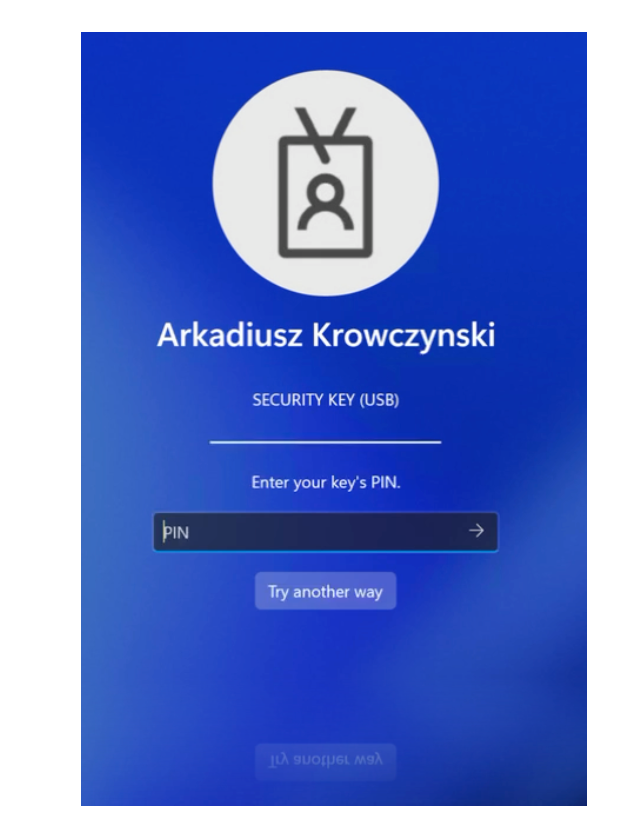
In this demo you can see the login to the macOS device that is secured by Okta Device Access MFA and afterward afterwards the login to the Okta Dashboard with a phishing resistant factor.
Okta Admin Dashboard
In this quick demo you can see that our device that was enrolled into Workspace ONE has the managed flag in the Okta Admin Console.
Workspace ONE UEM Console
Last but not least let’s have a quick look at the Workspace ONE UEM Console.
You can see that our device is enrolled, work apps and configurations profiles were successfully distributed to the device.